Orchestrate Complex Workflows
Design, visualize, and execute multi-step automation sequences with conditional logic, parallel execution, and real-time monitoring. Build resilient workflows that scale with your operations.
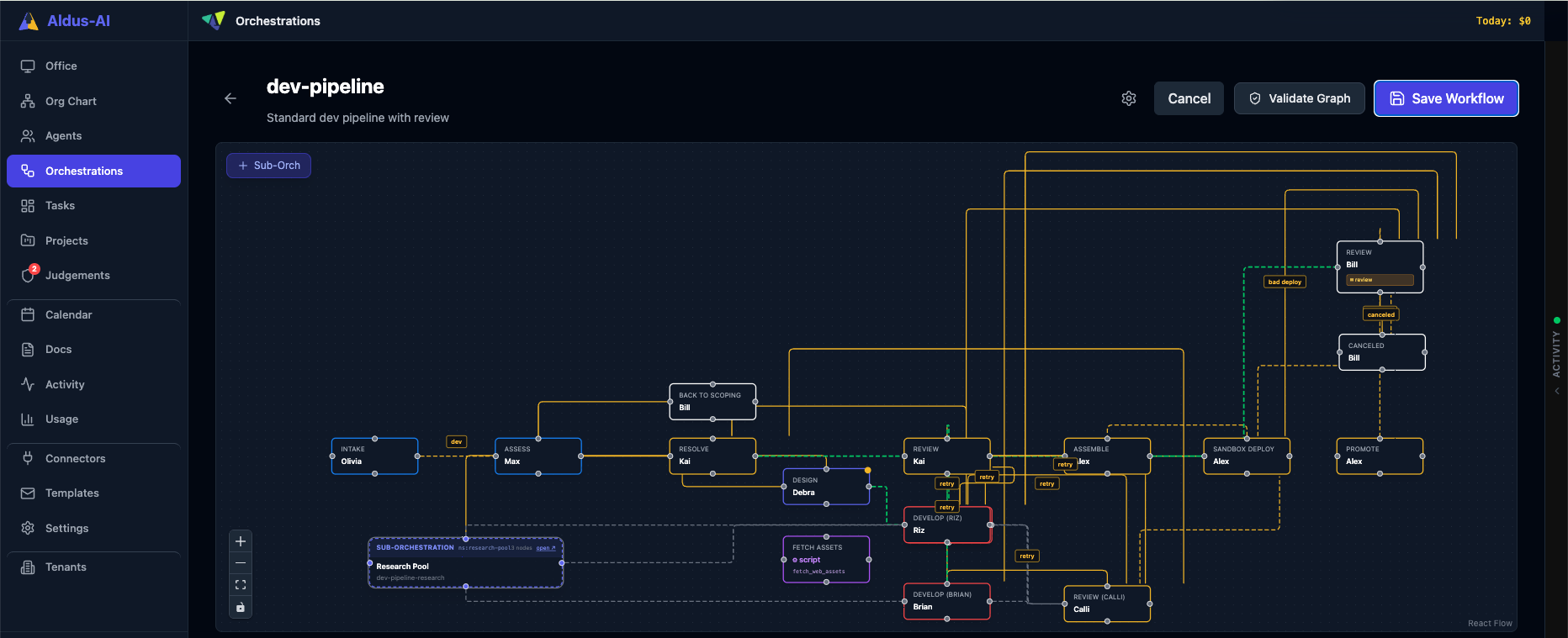
Design, visualize, and execute multi-step automation sequences with conditional logic, parallel execution, and real-time monitoring. Build resilient workflows that scale with your operations.
Orchestrations are the backbone of Aldus-AI automation. They enable you to compose complex, multi-step workflows that respond to conditions, execute in parallel, and maintain state across distributed systems. Unlike simple task sequences, orchestrations provide visual design, conditional branching, error handling, and real-time observability.
Whether you're automating incident response, deploying infrastructure, or orchestrating business processes, orchestrations give you the control and visibility needed for enterprise-grade automation.
Design workflows with an intuitive drag-and-drop interface. See your entire automation pipeline at a glance and modify it in real time.
Branch your workflows based on conditions. Route execution paths dynamically based on inputs, outputs, and system state.
Execute multiple steps simultaneously to reduce total execution time. Coordinate dependencies and aggregate results automatically.
Distribute work across multiple targets or iterate over collections. Process hundreds of items in parallel with built-in throttling and error recovery.
Define retry policies, fallback paths, and error handlers. Keep your workflows resilient with automatic recovery strategies.
Track execution progress with live logs, step-by-step status, and detailed metrics. Understand exactly what your workflows are doing.